









Marketing your salon can feel like one more job added to an already full day.
You are taking care of clients.
Mixing color.
Answering messages.
Cleaning your station.
Ordering supplies.
Trying to eat lunch at some point.
And now you are supposed to create content, post consistently, follow up with clients, collect reviews, fill cancellations, and somehow make all of it look effortless?
That is a lot.
The good news is that salon marketing does not need to be expensive or complicated.
There are plenty of free tools that can help stylists stay visible, create better content, organize ideas, and keep clients coming back.
You do not need to use all of them.
Choose a few tools that solve the problems you actually have, and build a simple marketing system you can maintain.
Here are some of the best places to start.
1. Use Your Phone’s Notes App as a Content Bank
Yes, your regular notes app counts as a marketing tool.
And it may be one of the most useful ones you already have.
Create one note called “Content Ideas.”
Any time a client asks a good question, add it to the list.
For example:
● How often should I refresh my highlights?
● What is the difference between balayage and traditional color services?
● Why does my color look different in natural light?
● How should I prepare for a color appointment?
● What products should I use at home for healthier hair?
● How long will this service take?
● Can I get that platinum card blonde in one appointment?
Client questions and things you do every day behind the chair can turn into Instagram posts, carousels, engaging videos, viral Tiktoks, captions, and stories.
You can also save:
● Before-and-after ideas
● Seasonal color inspiration
● Client transformation notes
● Products you want to feature
● Behind-the-scenes moments
● Common hair mistakes
● Appointment openings
● Frequently requested services
● Showcasing your personality
When it is time to post, you will not have to start with a blank screen.
2. Use Canva to Create Simple, Consistent Graphics
You do not need to be a graphic designer to create clean, aesthetically pleasing content that fits your brand. Sites like Canva can do the heavy lifting for you.
Canva can help stylists create:
● Appointment-opening graphics
● Client review posts
● Before-and-after layouts
● Hair-care tips
● Service menus
● Educational carousels
● Seasonal promotions
● New stylist introductions
● Salon announcements
Choose one or two fonts and a small set of colors that match your salon.
Then reuse the same basic templates.
This saves time and helps your content feel more consistent, even when different team members are creating it.
A simple graphic posted regularly is usually more helpful than an elaborate design that takes three weeks to finish.
3. Use Meta Business Suite to Plan Facebook and Instagram Content
Posting in real time sounds easy until your day gets busy.
You take a great after photo.
You plan to post it later.
Then three clients arrive, someone needs a toner adjustment, the phone rings, and suddenly it is two days later.
A scheduling tool allows you to prepare content when you have time instead of trying to create it between appointments.
Set aside 30 minutes once a week to schedule:
● One transformation
● One educational tip
● One personal or behind-the-scenes post
● One appointment reminder or opening
● One client review
That is already a full week of content.
You do not need to post three times a day.
You need a schedule you can repeat without dreading it.
4. Use Google Business Profile to Stay Visible Locally
Social media is useful, but it is not the only place clients look for a stylist.
Many potential clients search for salons, colorists, balayage specialists, or hair extensions in their local area.
Keep your salon’s Google Business Profile updated with:
● Current hours
● Accurate contact information
● Your booking link
● Recent photos
● Services
● Client reviews
● Occasional updates or offers
Add real photos of the salon, your team, your stations, and your work.
A potential client wants to know what the experience will feel like.
Clean, well-lit photos can help them feel more confident before they ever contact you.
You can also use your Google profile to answer common questions and share important updates, such as holiday hours or last-minute appointment availability.
5. Use a Free Calendar for Content Planning
A basic digital calendar can help you plan your content visually and keep you on schedule.
Choose the days you want to post and add a simple topic to each one.
For example:
Monday: Available appointments
Tuesday: Hair-care tip
Wednesday: Before and after
Thursday: Behind the scenes
Friday: Client review or stylist introduction
You can also plan around:
● Back-to-school appointments
● Fall color changes
● Holiday booking deadlines
● Gift card promotions
● Wedding and event seasons
● New services
● Product launches
● Salon anniversaries
● Team education
Planning the topic ahead of time removes one of the hardest parts of content creation: deciding what to talk about.
6. Use Google Drive to Organize Photos and Videos
Content can get easily lost in your phone’s photo album and quickly eat away at your storage space.
Create shared Google Drive folders for:
● Before photos
● After photos
● Videos
● Team photos
● Salon photos
● Educational content
● Product images
You can organize them by stylist, service, or month.
This makes it much easier to find content when you need it.
It also helps salon owners collect work from the entire team instead of relying on one person to create every post.
Make sure you have clear client permission before using their photos or videos in your marketing.
7. Turn Everyday Salon Work Into Content
The other good news about creating content for your social media platforms is that you likely already do this, minus the camera. Start filming and photographing those every day behind the chair moments.
You can capture:
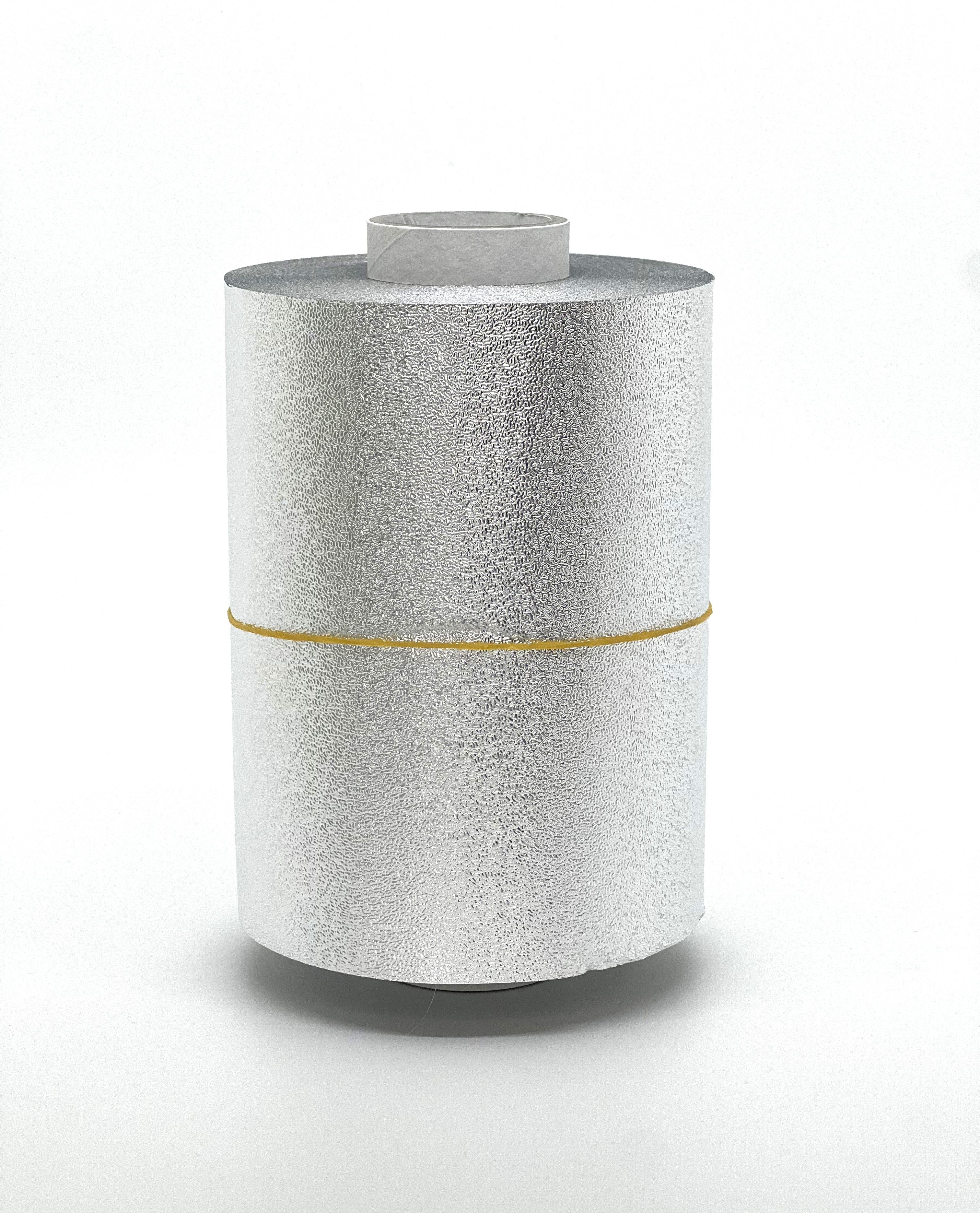
● A clean foil placement
● A custom color formula being mixed
● A stylist setting up for a balayage service
● A quick station reset
● A brush or tool you use every day
● A trip to the salon supply store
● A processing check
● The reveal after styling
● The difference between two application materials
● A tip for keeping sections clean
● A satisfying foil or film pull
● Your favorite products
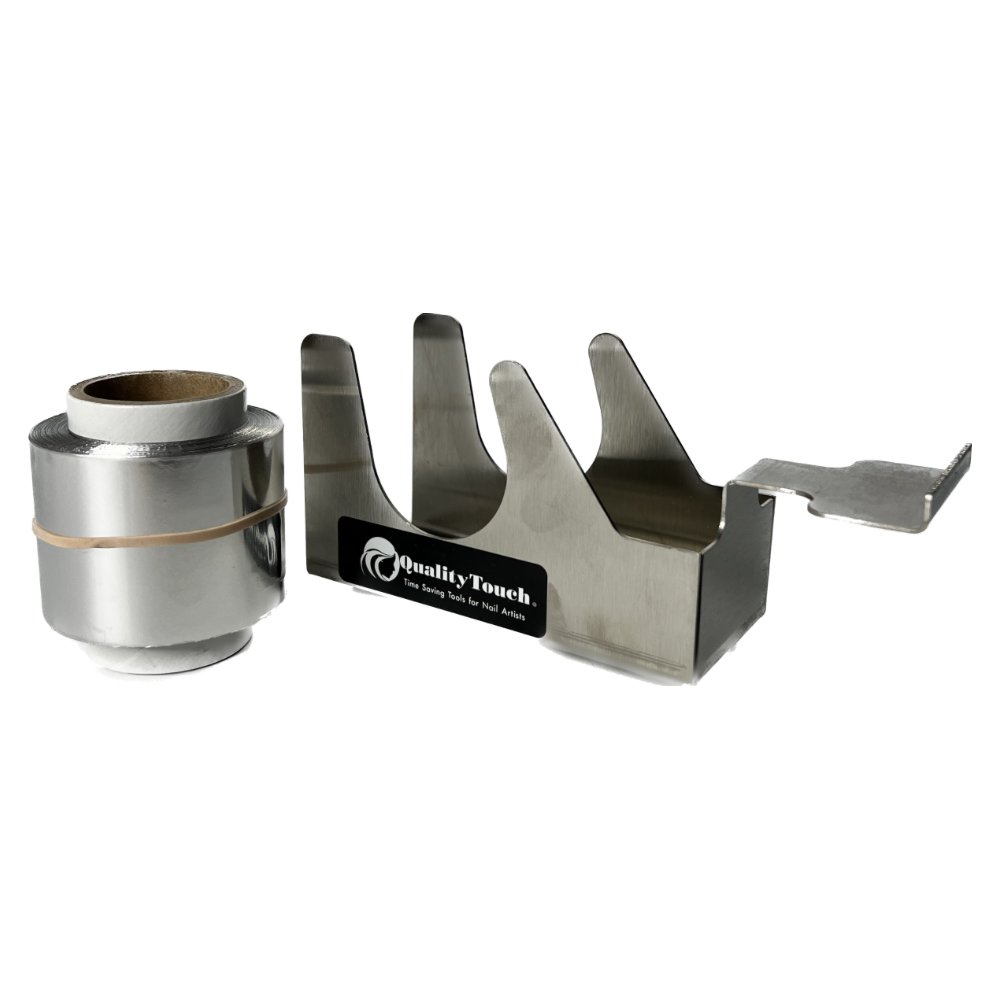
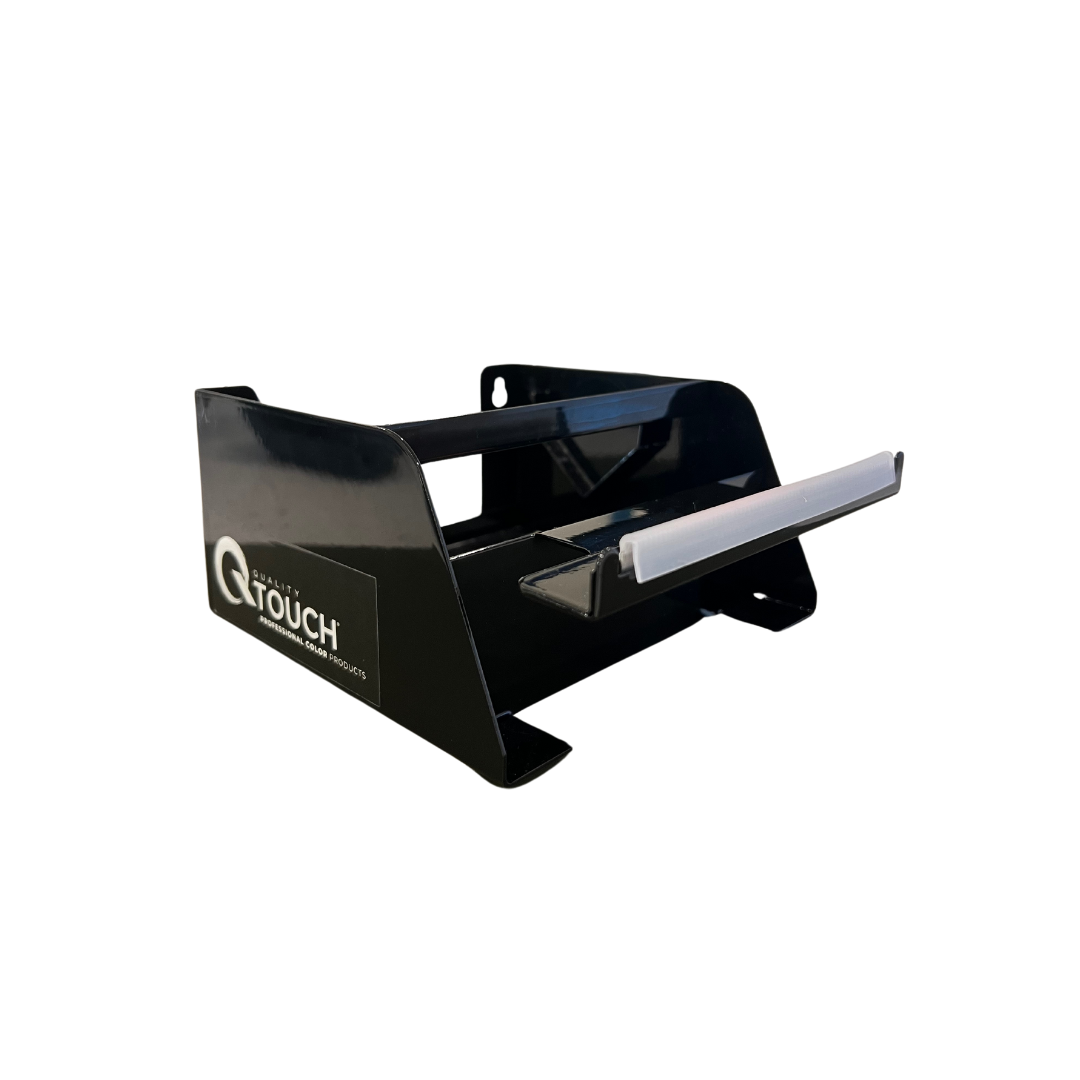
QTouch products can naturally appear in this type of behind-the-scenes content.
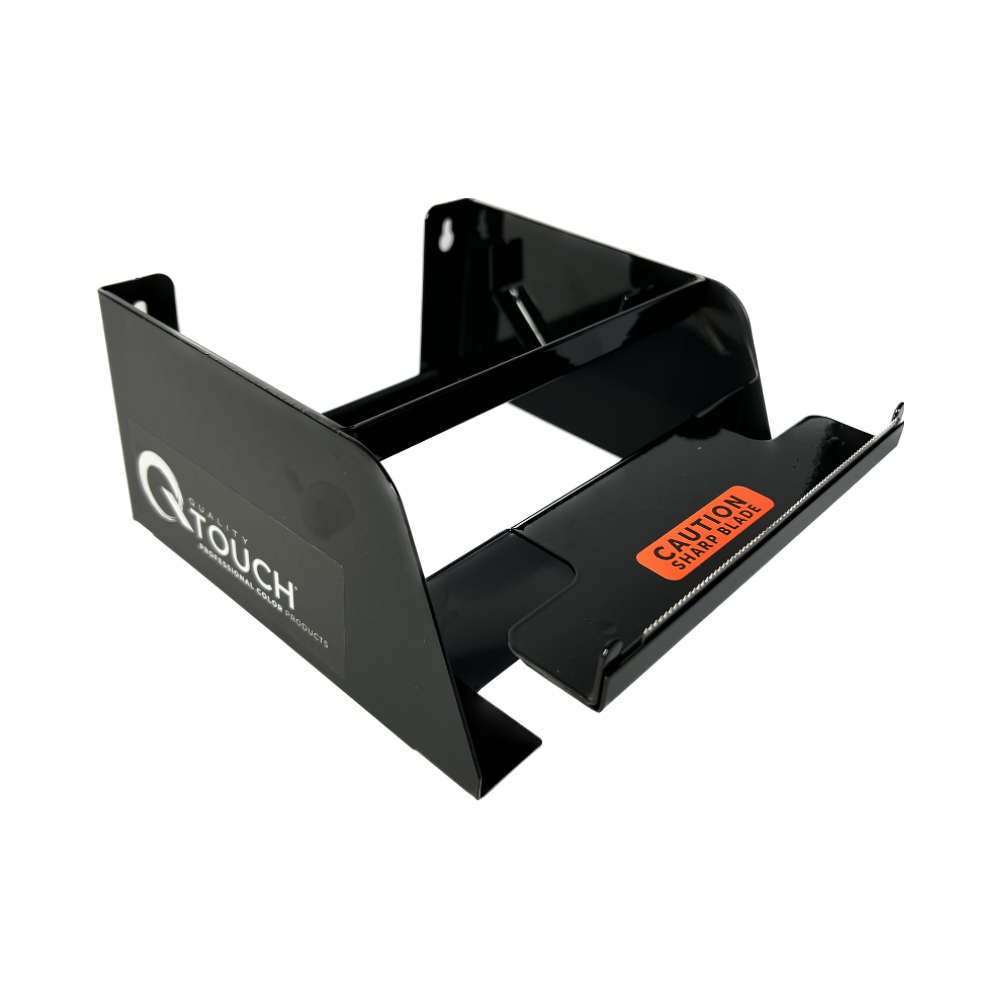
A video showing a stylist using the Rollmate 1 or Rollmate 2 can become a workflow tip.
A close-up of a clean section using Bite Me Clips can support a quick educational post.
A processing video using REVEAL Transparent Film can help explain why visibility can be useful during certain services.
If you do want to capture content of your favorite products, do not force the product into the post.
Show how you actually use it.
Real behind-the-chair content is often more interesting than a perfectly staged advertisement.
8. Use Free Forms to Learn What Clients Want
Client feedback can give you some of your best marketing ideas.
Create a short form and ask questions like:
● What service are you most interested in trying?
● What hair concerns do you have right now?
● What stops you from booking a color appointment?
● What hair topics would you like us to explain?
● How did you originally find our salon?
● What do you enjoy most about your appointments?
● What could make your experience even better?
Keep the form short.
You are not trying to conduct a major research study.
You are trying to understand what your clients care about so your marketing can speak to those needs.
Their answers may reveal new service opportunities, content ideas, or small improvements that strengthen the client experience.
9. Create a Simple Review Request Message
Reviews help potential clients feel more confident about booking.
But happy clients may not think to leave one unless you ask.
Create one short message your team can reuse:
“Thank you again for coming in today! If you loved your experience, we would really appreciate a quick Google review. It helps new clients find us and means so much to our team.”
Save it in your phone, booking system, or email templates.
You can send it after a successful appointment without rewriting the message every time.
The request should feel personal and appreciative, not pushy.
10. Use Your Booking System’s Existing Features
Before signing up for another tool, check what your current scheduling platform already includes.
You may already have access to:
● Appointment reminders
● Online booking
● Cancellation notifications
● Waitlists
● Rebooking prompts
● Client notes
● Email messages
● Text messages
● Birthday reminders
● Lapsed-client reports
● Referral tracking
Many salons pay for useful features they never turn on.
Spend a few minutes exploring your settings or reviewing the platform’s help center.
A feature you already have may solve a problem you were about to address manually.
11. Build a Basic Client Retention Routine
Marketing is not only about finding new clients.
It is also about staying connected with the clients who already trust you.
Create a simple weekly retention routine.
You might:
● Check which regular clients have not rebooked
● Contact clients who canceled and never rescheduled
● Fill openings from your waitlist
● Remind clients when they are due for maintenance
● Thank first-time clients after their appointment
● Ask happy clients for a review
● Share upcoming seasonal availability
You do not need to send hundreds of messages.
A few thoughtful follow-ups each week can help keep your schedule healthier and your client relationships stronger.
12. Keep Your Marketing System Small
The goal is not to be on every platform.
The goal is to create a system you can keep using.
A simple salon marketing system might include:
● Notes for saving ideas
● Canva for graphics
● A scheduling tool for social posts
● Google Drive for organizing content
● Google Business Profile for local visibility
● Your booking system for reminders and retention
That is enough.
Start with one platform, one planning session, and a few repeatable types of content.
You can always add more later.
Final Thoughts: Use What You Have
Good salon marketing does not have to begin with a large budget.
It can begin with your phone.
Your client questions.
Your everyday work.
Your existing booking system.
And a few free tools that help you stay organized and consistent.
Save ideas as they happen. Capture real work behind the chair. Schedule content when you have time. Follow up with clients. Ask for reviews. Keep your local information updated.
Most importantly, create a system that fits your actual schedule.
The best marketing plan is not the most complicated one.
It is the one you will continue using.
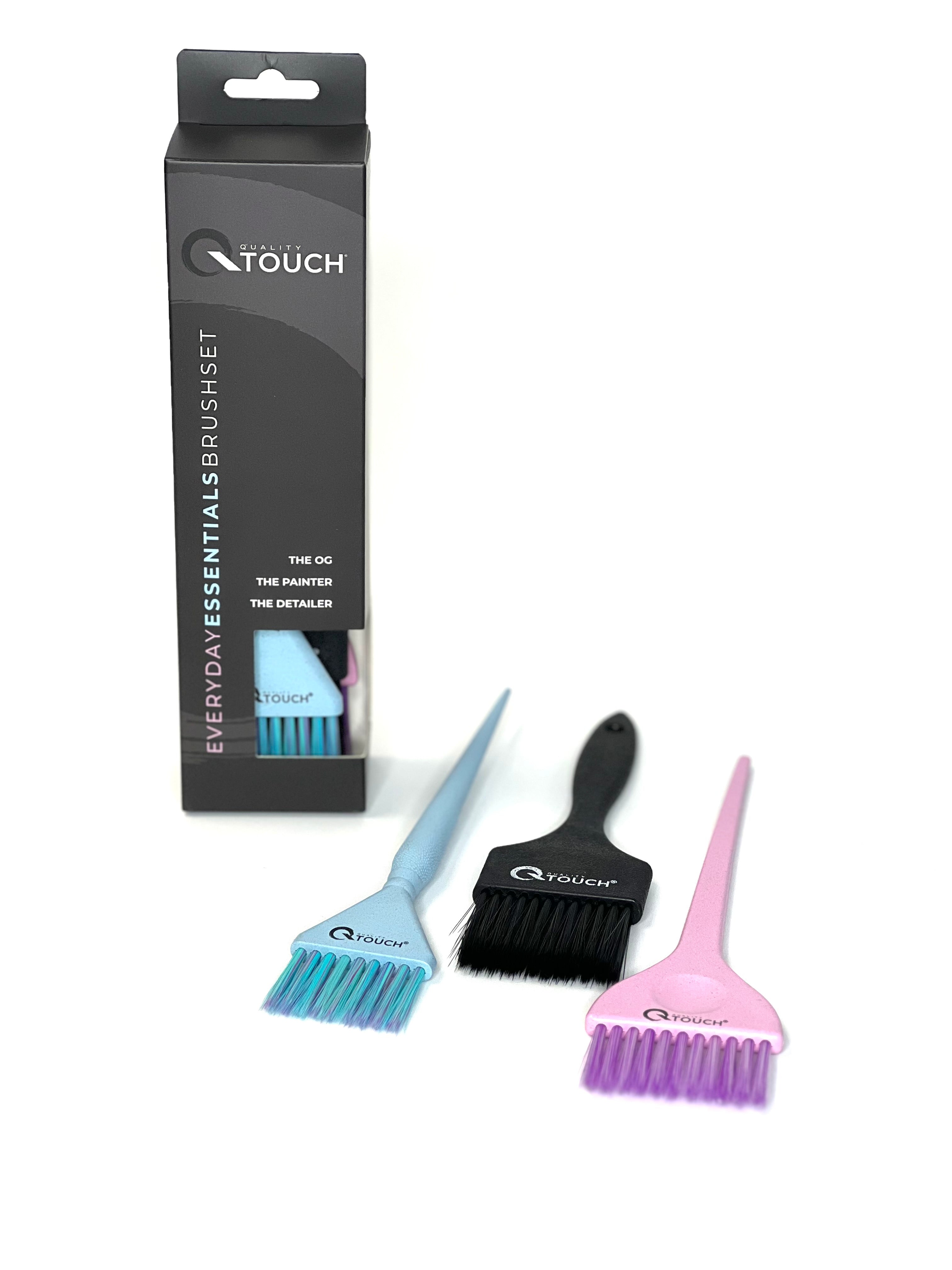
Looking for more behind-the-chair inspiration? Explore Quality Touch’s professional salon products, including foils, films, Rollmates, brushes, clips, and accessories made for real salon workflows.
Happy coloring!

